LINK to paper: https://www.trub.in/2022/01/performance-anomaly-and-change-point.html

Intelligent Sustainable Systems pp 403-407| Cite as

LINK to paper: https://www.trub.in/2022/01/performance-anomaly-and-change-point.html
Intelligent Sustainable Systems pp 403-407| Cite as
Perfomalist (www.Perfomalist.com) is a web based anomaly and change point detection tool. The method used by the tool is SETDS - Statistical Exception and Trend Detection System, which is a variation of the Statistical Process Control method applied to time series data. The key idea of the method is EV (Exception Value) which indicates the severity of anomalies calculated as a difference between control limits and actual anomalous data points. Any change that occurs first would appear as an anomaly and then may become a normality (new norm), so collecting overtime and analyzing the severity of all anomalies opens the possibility to find phases in the data history with different patterns. To detect change points between phases one just needs to find all the roots of the following equation: EV(t)=0 , where t is time. [1]. Using this method the Perfomalist API call returns all change points found in the input CSV data.
[1] - Igor Trubin, "Exception Based Modeling and Forecasting" , 34th International Computer Measurement Group Conference, December 7-12, 2008, Las Vegas, Nevada, USA, Proceedings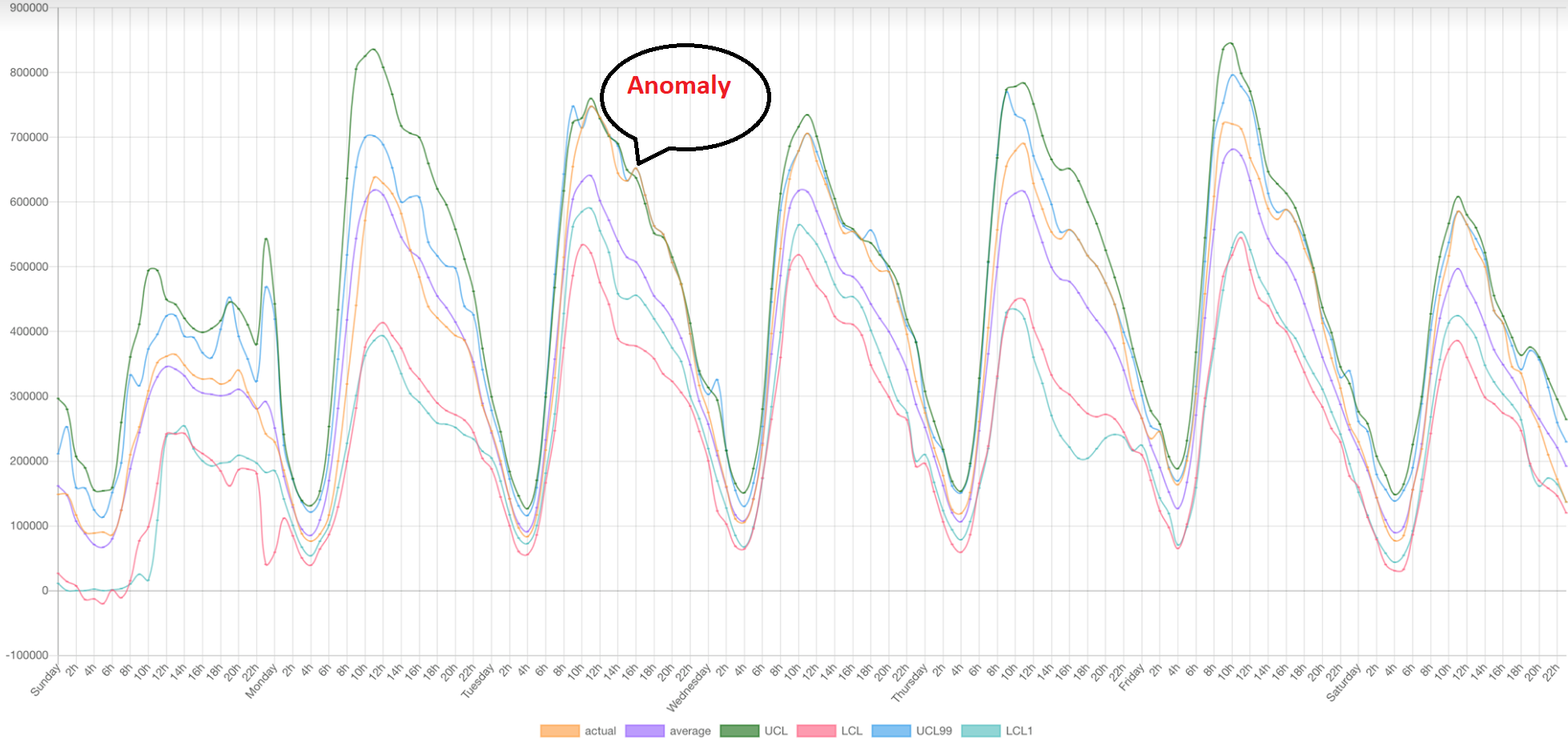

Link to tool: www.Perfomalist.com
Control Points API
POST https://api.perfomalist.com/
'Accept: text/plain'
'Content-Type: text/csv'
Input
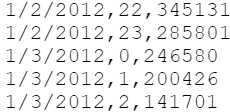
Post body should be input data in CSV format. First three lines are parameters also in CSV format.
For example:sValue, 99
eValue, 5
BaseLineLength , 7
These may be omitted in which case default values will be used.
Parameters are followed by data as shown in example input which could downloaded from www.Perfomalist.com.
Output
Output is JSON style data:
{
    "Change Point": {            #full list of values for respective dates, populated by zeroes if no change point detected to aid with graphing
         "Date": value
    },
    "Change Points Only": {      #only dates of change points with respective values
        "Change Point": {
            "Date": value
        }
    },
    "Ev": {                      #exeption values for respective dates
        "Date": value
    },
    "LCL": {                     #lower control limit value for respective dates
        "Date": value
    },
    "Moving Average": {          #moving average value for respective dates
        "Date": value
    },
    "UCL": {                     #upper control limit value for respective dates
        "Date": value
    },
    "Value": {                   #user input value for respective dates
        "Date": value
    }
}Original Change Point Detection method explained here:After copying data to a spreadsheet, the control points could be validated visually:
update : 11/21/21 The Perfomalist CPD API is released.
https://www.trutechdev.com/2021/11/the-change-points-detection-perfomalapi.html
_____________
See details: http://www.trub.in/2020/08/cpd-change-points-detection-is-planed.html


Excited to share that we will be presenting at the ICPE 2026 Workshop (WEPPE) on May 4th in Florence, Italy. Our talk, "Detecting pas...


